
Structured resume sections
Curriculo keeps education and experience in defined fields rather than on a blank page.
AI RESUME BUILDER
Updated October 2026
You can build and edit a US resume in the Curriculo mobile app for iOS and Android. You sign in with Google, name your target job and use AI to write or rewrite structured sections. Export a US Letter PDF in either a no photo layout or the Professional with Photo layout.


Free to start · No card needed · Optional AI credits
See how it works
HOW IT WORKS
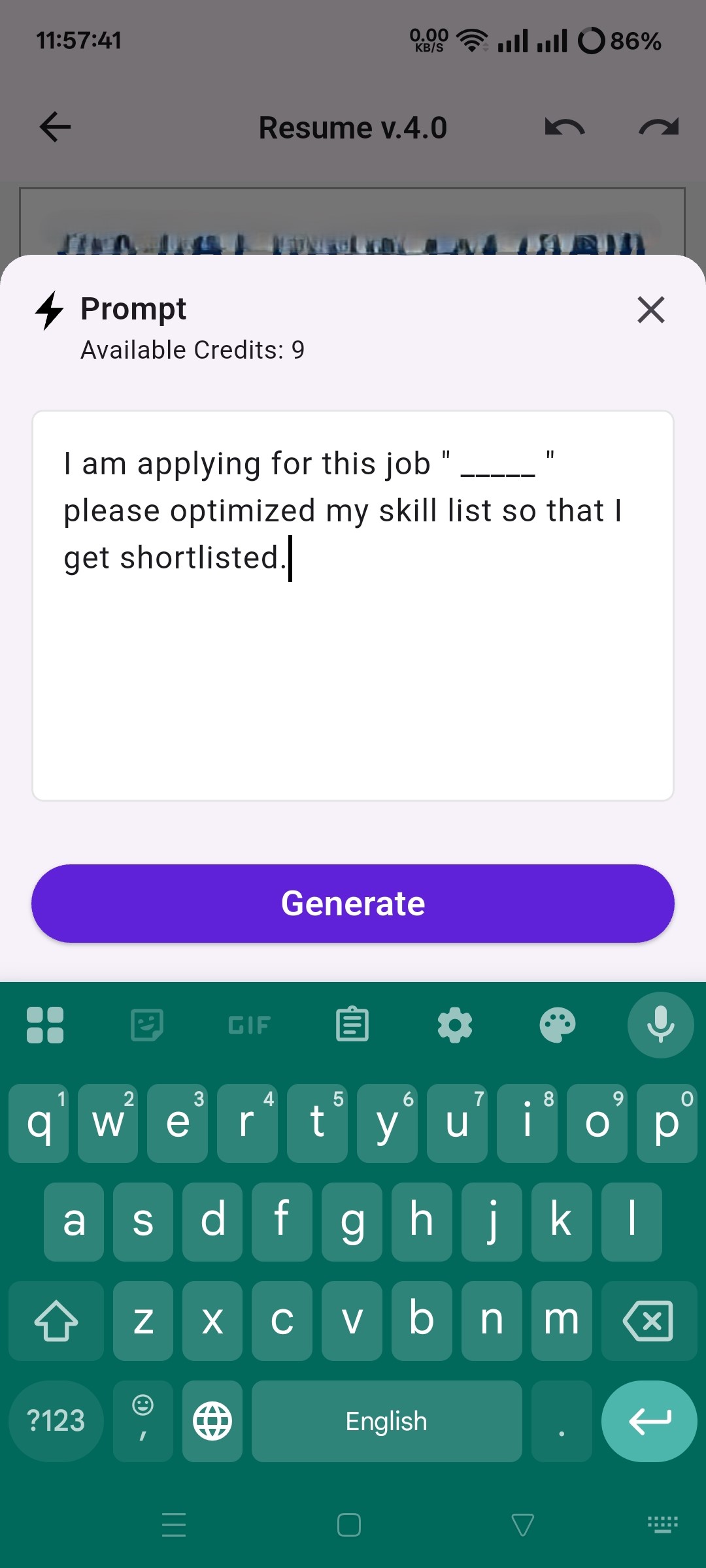
Tell Curriculo which role you're applying for. The AI uses that target when it writes or rewrites your resume sections.
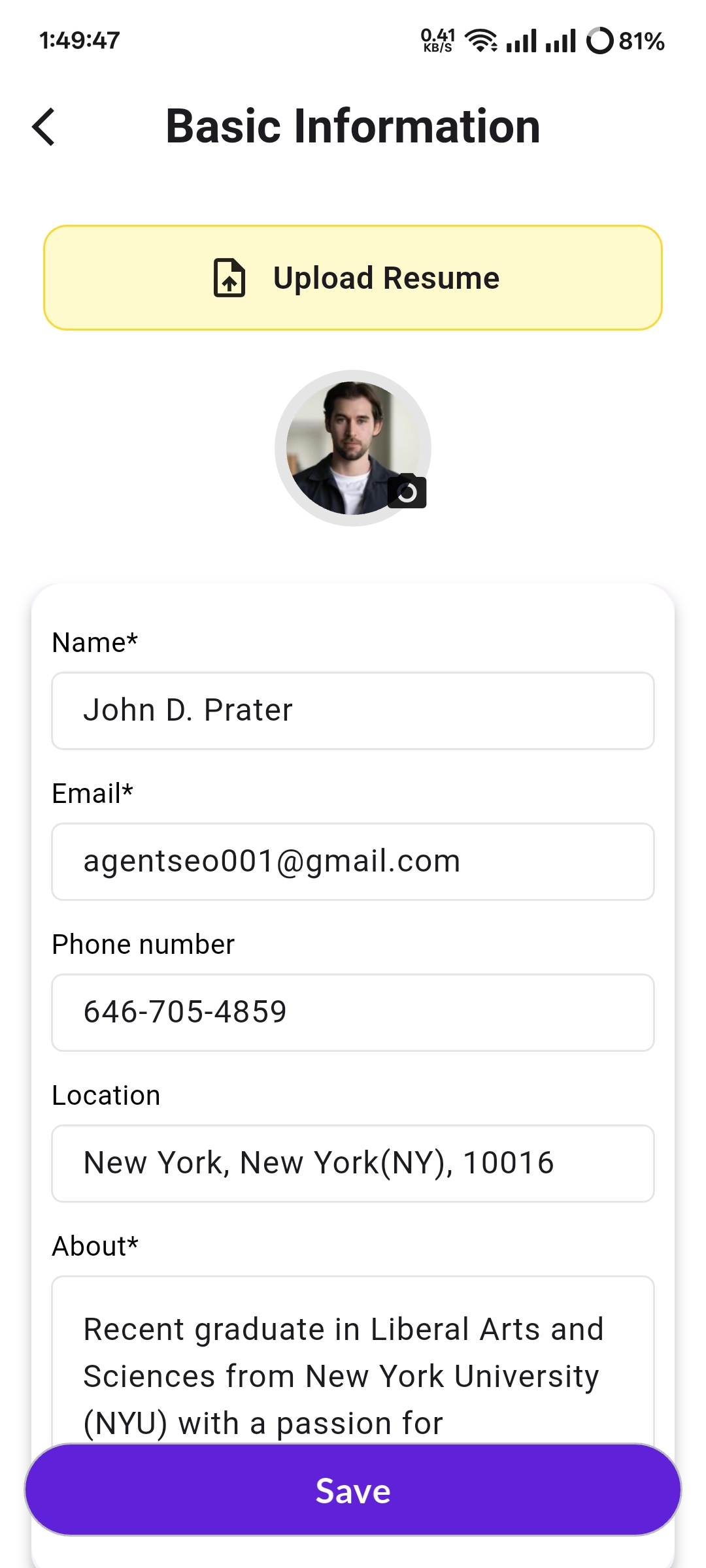
Enter your job titles, employers, dates and responsibilities in their proper fields. Keep every fact accurate, especially dates, qualifications and results.
Use prompts to revise individual sections. You can also select "Generate AI summary" to draft a summary for the job you named. Review every line before applying and remove any claim you couldn't support in an interview.
Choose either the no photo layout or Professional with Photo. The app exports your resume as a US Letter PDF.
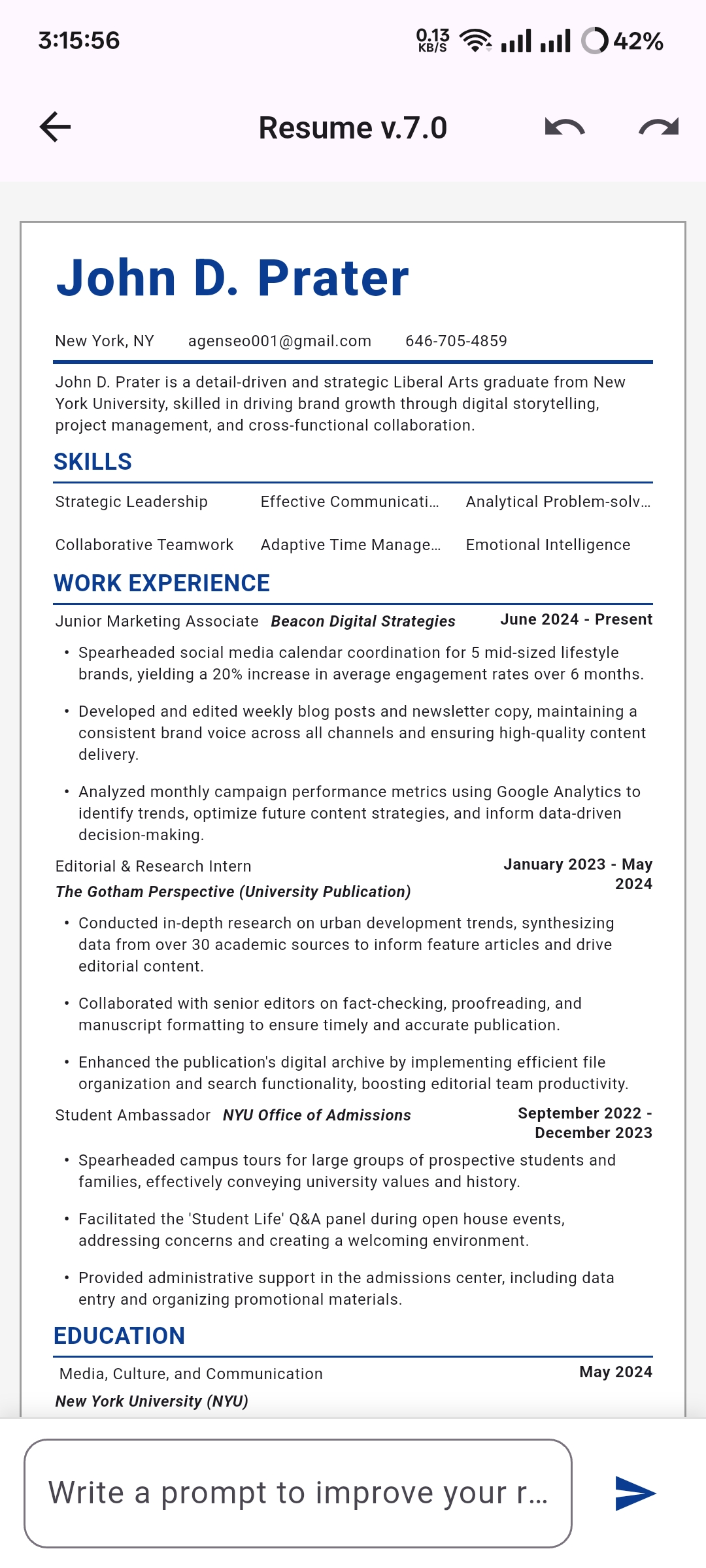
For more help with the opening section, read these resume summary examples. If you want to draft your own instructions first, try these ChatGPT resume prompts.
No resume builder can guarantee that a document will pass every applicant tracking system. Each employer has its own software, job settings and review process. Your document still needs accurate experience that matches the role.
A simple US resume is usually easier for software and recruiters to read. Use one column, standard section headings and consistent dates. Include the job title and relevant skills from the posting only when they truthfully describe your background.
Curriculo's two layouts use plain, structured sections. The app does not provide an ATS score, keyword gap report or pass guarantee. See the full guide on how to make your CV ATS friendly.
Copy the text from your PDF into a plain text editor. Check whether the headings, job titles, dates and bullet order still make sense. Then compare the document with the posting and confirm that relevant terms appear naturally where they are true.
Use this six point checklist:
The Curriculo app exports PDF only. It does not export DOCX.
Curriculo builds a US resume. Some people use "resume" and "CV" for the same document, but regional and academic formats differ.
A UK or EU CV often uses two pages, a personal profile and a fuller work history. An academic CV can have no fixed page limit and may include publications, teaching and research. Curriculo does not provide A4, UK or EU two page, or academic CV templates.
| Format | Typical length | What goes in | Photo or not | Available in Curriculo |
|---|---|---|---|---|
| US resume | 1 to 2 pages | Selected experience, education and skills tailored to the role | Usually no photo, though Curriculo provides layouts with and without one | Yes |
Look for a structured editor, revisions tied to a named job, clear export details and honest product limits. You should also know how access works and what costs money before entering your work history.
Curriculo keeps education and experience in defined fields rather than on a blank page.
The AI writes and rewrites inside your resume layout for the role you specify.
"Generate AI summary" drafts a summary based on the information and target job you provide.
Choose a no photo layout or Professional with Photo. Both use plain, structured sections.
Preview your resume and export it as a US Letter PDF from the mobile app.
The app is free to start. Optional AI credits can be purchased in the app or earned by watching an ad. Read the free AI resume builder pricing page for current details.
Comparing different ways to prepare an application? Read the guide on AI resume builders vs human writers vs templates.
FREE TO START · NO CARD NEEDED · OPTIONAL AI CREDITS
Curriculo builds US resumes, a document some job seekers also call a CV. It exports a US Letter PDF with either a no photo layout or Professional with Photo. It does not include A4, UK or EU two page, or academic CV templates. Choose another tool if an employer or institution requires one of those formats.
Curriculo is free to start, and you don't need a card to begin. AI writing uses credits, which you can buy in the app or earn by watching a rewarded ad. The app lets you write and rewrite resume sections, generate an AI summary, preview either available layout and export a US Letter PDF.
You sign in to the Curriculo resume builder with Google. The builder is a mobile app for iOS and Android, so begin by installing it through the app link. Curriculo ATS has a separate sign in for employers and should not be used to access the job seeker resume builder.
Curriculo's resume builder is a mobile app for iOS and Android, not a web app. Use the app to enter your experience, name the target job, request AI rewrites, preview the available layouts and export a US Letter PDF. The Curriculo website provides product information and guides, while resume editing happens in the app.
Curriculo places AI writing inside a structured resume layout. You enter your education and experience, name the job, then request changes to individual sections or generate an AI summary. The finished document stays visible for review, so you can preview and retune it, not treat a single chat response as a finished resume.
No builder can guarantee that your resume will pass every applicant tracking system. Curriculo uses plain, structured sections, but it does not provide an ATS check, ATS score or keyword gap report. Compare your resume with the job posting, keep every claim accurate and confirm that copied PDF text remains in a sensible order.
Yes. You can enter education, internships, projects and paid work that you actually completed, then ask the AI to rewrite those sections for the job you named. Check each generated sentence for accuracy. Keep specific tools, tasks and results when you can support them, and delete claims that overstate your role.
Yes. You can name the target job and ask Curriculo to rewrite resume sections for it. Check the revised wording against the posting and your actual experience before applying. The app does not promise a saved version for every application, so export and manage each PDF according to the controls available on your device.
You can delete your Curriculo account in the app at any time. Before adding personal information, review the current in app privacy terms and permissions so you understand how your data is handled. Do not place passwords, government identification numbers or unrelated confidential material in a resume or AI prompt.
The resume builder is Curriculo's job seeker product, while Curriculo ATS is built for employers. They use separate entry points. Job seekers should get the mobile app. Employers who need candidate ranking can read about candidate ranking or sign in to Curriculo ATS.
Curriculo's AI resume builder is the job seeker product of Curriculo Inc. Employers use Curriculo ATS. Read more about Curriculo Inc..
Get the app